FabFilter Pro-Q 4 Review: Still the Mixing EQ to Beat?
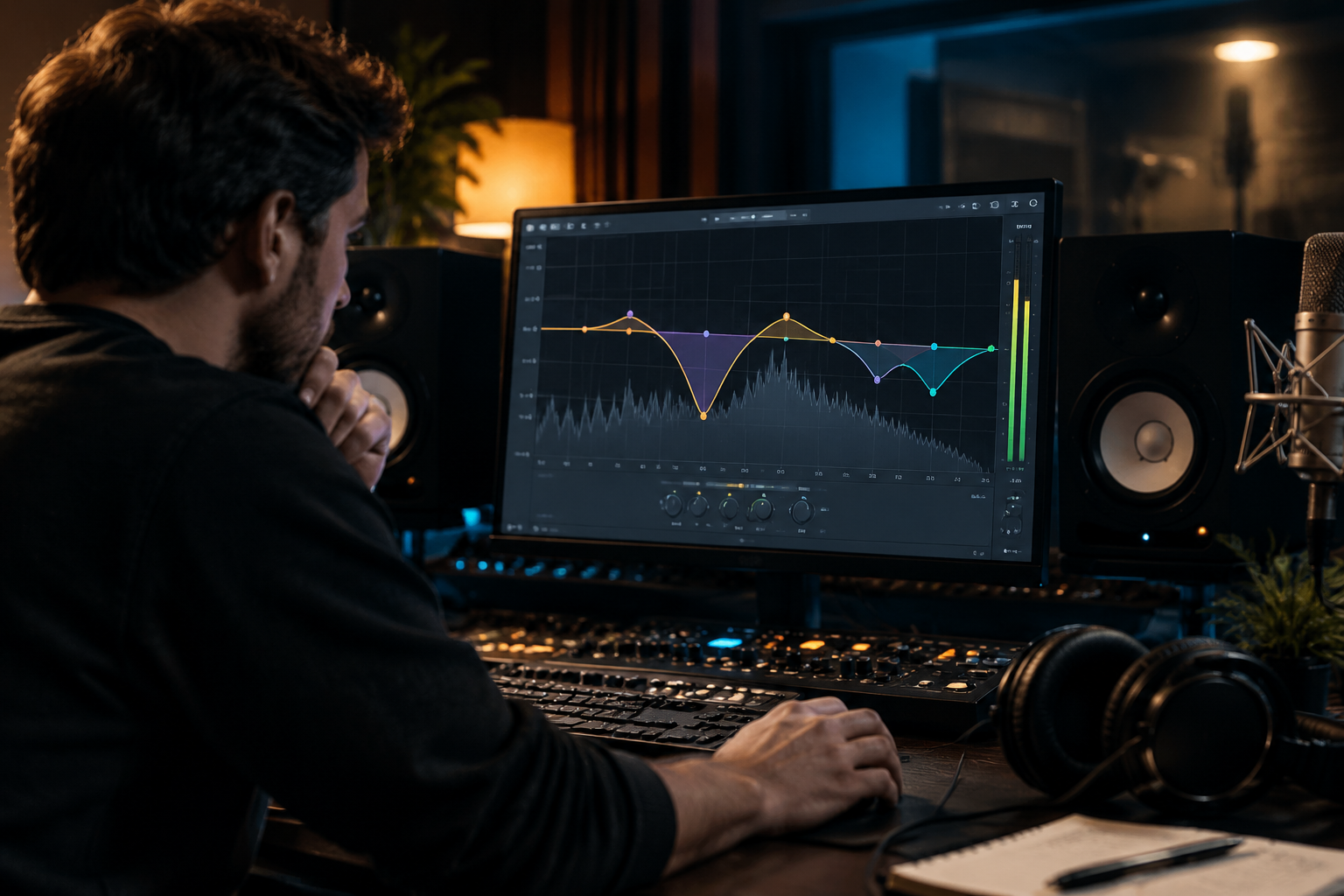
For the better part of a decade, FabFilter Pro-Q has been the default answer when someone asks which EQ to buy. Pro-Q 2 was the first plugin EQ I trusted for surgical cuts on a master, and Pro-Q 3 turned dynamic EQ from a specialist tool into something you could reach for mid-flow. So when Pro-Q 4 landed, my honest first reaction was: what’s left to fix?
Plenty, it turns out, but not all of it is stuff you’ll notice in the first ten minutes. Let me walk through what actually changed, where it sits against free and cheap alternatives, and whether existing Pro-Q 3 owners should bother.
What Pro-Q 4 adds over Pro-Q 3
Pro-Q 3 already gave you up to 24 bands, per-band dynamic triggering (above, below, or range), mid/side and stereo placement per band, spectrum grab, and full surround support. That’s a lot of surface area. Pro-Q 4 doesn’t blow that up, it sharpens it.
The headline is the effects section. You can now stack saturation and a new “character” stage directly into an EQ band rather than running a separate plugin. Tape-style warmth on just the low band, gentle harmonic drive on the high mids, all inside the same frequency-curve window you’re already staring at. That’s a real workflow change. Instead of a cleaning EQ feeding a tonal saturator feeding a second EQ (the classic three-insert mastering chain), you can often collapse two of those steps into one instance.
There’s also a rebuilt dynamic mode and a per-band “unlink” from the main curve, so a moving band can react to a sidechain or its own detector without dragging the rest of the curve with it. If you’ve ever wanted a single bell to duck only when the snare hits, this is the box that finally does it.
Cuts vs. moves: how it fits a real chain
The reason Pro-Q keeps showing up first in people’s mastering chains is that its default behaviour is transparency. On a clean, transparent EQ, broad Q moves are the whole game for correction. You reach for Pro-Q to pull a harsh 2 to 4 kHz region down a couple of dB, or to tame a resonance that’s poking out. That’s subtractive work and it wants a plugin that vanishes when it’s not needed.
Where it earns its keep less obviously is the second slot. Tonality, the stuff that adds air around 10 to 12 kHz or nudges low-end weight, is usually the job of a colored or analog-modeled EQ. FabFilter doesn’t really do “colored” out of the box. You have linear phase, natural phase, and zero latency, and all three are designed to stay honest. That’s a feature if you’re doing surgical work and a limitation if you want the EQ itself to add flavor. Pro-Q 4’s new saturation stage is the closest it has ever come to closing that gap, but it’s still a FabFilter-flavored saturation, clean and controllable, not a fat Pultec curve.
Where it beats the cheap options
The free EQ tier got genuinely good. TDR Nova is a four-band dynamic EQ that holds up remarkably well for transparent vocal and resonance work, and it costs nothing. Analog Obsession MERICA adds real color and is free through Patreon. If your budget is zero, you can absolutely clean up a mix bus with Nova and stay happy.
What the free options don’t give you is the full combination Pro-Q 4 stacks: 24-plus bands, per-band dynamic triggering, mid/side and stereo independent placement, linear phase, a built-in spectrum analyzer, and now per-band saturation. You can approximate that by chaining three plugins and second-guessing which one is causing a phase smear. Pro-Q 4 lets you stop thinking about the plumbing.
For narrow surgical cuts, use a Q of 3 or higher so you’re not carving into neighbouring frequencies by accident. That’s standard Pro-Q practice and it still holds. The advantage Pro-Q 4 has here is that you can stack a dynamic move on one of those narrow bands without leaving the window.
What’s annoying
Two things. First, the interface has grown. Pro-Q 3 was already dense. Pro-Q 4 pushes more controls into a window that hasn’t gotten much bigger, and if you’re on a laptop screen you will be zooming. Second, the saturation addition doesn’t replace your favorite character EQ. If you’ve been running a Pultec-style boost on the bus for years, Pro-Q 4’s character stage won’t retire it. It’s a convenience tool, not a flavor clone.
Also worth flagging: FabFilter charges for upgrades between major versions. Pro-Q 3 owners get a discount, but it’s still a paid upgrade. If you use Pro-Q 3 for pure subtractive cleanup and nothing else, there is no urgency to move.
Verdict
Pro-Q 4 is still the EQ to beat if you want one plugin that does surgical, dynamic, phase-controlled, and now lightly saturated work without leaving the window. It is not the EQ to buy if you want a particular analog color, and it is not the EQ you need if TDR Nova already solves your problem.
For anyone starting fresh and building a serious mixing chain, this is the one paid EQ I would put money into before anything else. For Pro-Q 3 owners doing mostly subtractive work, sit on 3 for now and upgrade when the band-level saturation becomes something you’d actually reach for.